Home Alone (Anomaly) Controls
Every input for moving, interacting, CCTV, porch light, and chores on PC, mobile, and console.
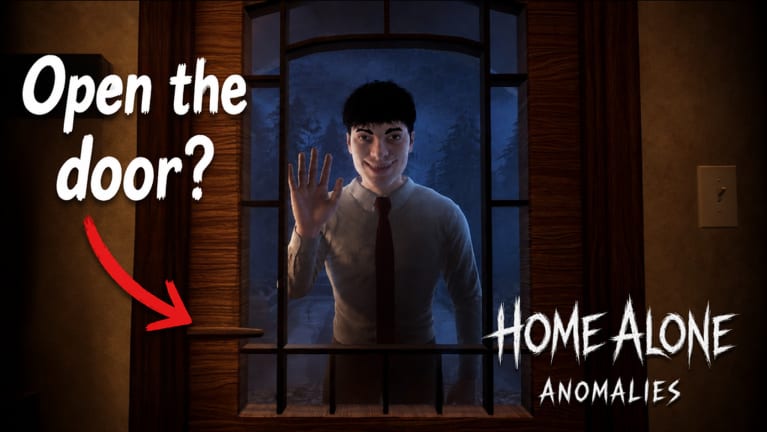
Clean inputs win nights in Home Alone (Anomaly) on Roblox. You are constantly switching between walking the house, grabbing chore objects, clicking the laptop CCTV, and flipping the porch light beside the door. Missing a bind costs seconds — enough for a knock to arrive while you are stuck in a camera view.
This controls hub splits bindings by platform. Update 2 (July 30, 2026) added Xbox and PlayStation support alongside existing PC and mobile builds, so verify your platform page before muscle-memory drills.
Platform pages
- PC controls — keyboard, mouse, and default Roblox PC binds for CCTV and interactions.
- Mobile and console controls — touch UI, gamepad face buttons, and camera switching on Xbox/PlayStation.
Controls tied to core mechanics
These actions appear in almost every guide on the wiki:
- Interact — chores, doors, laptop, light switch.
- Move / look — reach kitchen, bath, backyard cameras before knocks.
- CCTV toggle — swap rooms and night vision on the laptop.
- Porch light — switch to the right of the door; OFF rejects anomalies.
If any bind feels wrong after an update, compare patch notes on latest update with these pages.
Learning path
Read how to play first for context, then drill PC or console binds here. Pair with how to use CCTV because camera keys are the main skill gap between new and consistent players.
Quick reference: what each input affects
Every control action in Home Alone ties to survival mechanics:
| Input | Gameplay role |
|---|---|
| Move / look | Reach chore zones, peephole, laptop before knock resolves |
| Interact | Chore board tasks, porch light, door, CCTV laptop |
| CCTV feed select | Verify Firefighter smoke, Homeless Man invisibility, Ballerina dance |
| Night vision toggle | Catch New Neighbour face on glass, Lost Girl giant scale, Secret Agent alien shape |
| Porch light | ON admit safe visitors; OFF reject anomalies |
Missing any step drains Sanity from your starting 100. Controls are the interface for identify visitors evidence gathering.
Platform choice guide
New players on PC: start with PC controls for the fastest CCTV learning curve.
Mobile-only players: read mobile and console controls touch section; use anomaly identifier tool on a second device.
Console after Update 2: same anomaly rules, slower UI — budget extra seconds before porch light commits in the final hour (how to beat 6 AM).
Controls and chores synergy
Update 2 added chores that spam interact prompts. Smooth binds mean you finish kitchen/bath tasks faster and return to laptop before the next knock. See chore board walkthrough for routes matched to your platform movement speed.
After patch checklist
When controls feel off after an update:
- Read latest update for bind or UI changes.
- Re-test laptop feed cycle and porch light toggle in lobby.
- Compare platform page — PC vs mobile/console.
- Refresh how to use CCTV if camera UI moved.
Related sections
- Full night walkthrough — timed moments where controls matter.
- Chore board route — interact spam during safe windows.
- House map — where you will physically walk between inputs.
Frequently Asked Questions
Quick answers for surviving the night in Home Alone (Anomaly).
Does Home Alone (Anomaly) support controllers?
Yes. Update 2 added Xbox and PlayStation support. See mobile and console controls for gamepad layouts.
Where is the porch light switch?
To the right of the front door in the house. Toggle it OFF to reject anomalies.
Can I rebind keys on PC?
Roblox uses standard PC movement and click-to-interact. Some players use Roblox settings for sensitivity; in-game rebinding is limited.
Which controls page should mobile players read?
Use the mobile and console controls page for touch buttons and optional Bluetooth controller notes.